How SeloPro works
A quick, illustrated guide: find a professional, understand the trust seal, and add or claim your own profile.
1. Start on the home page
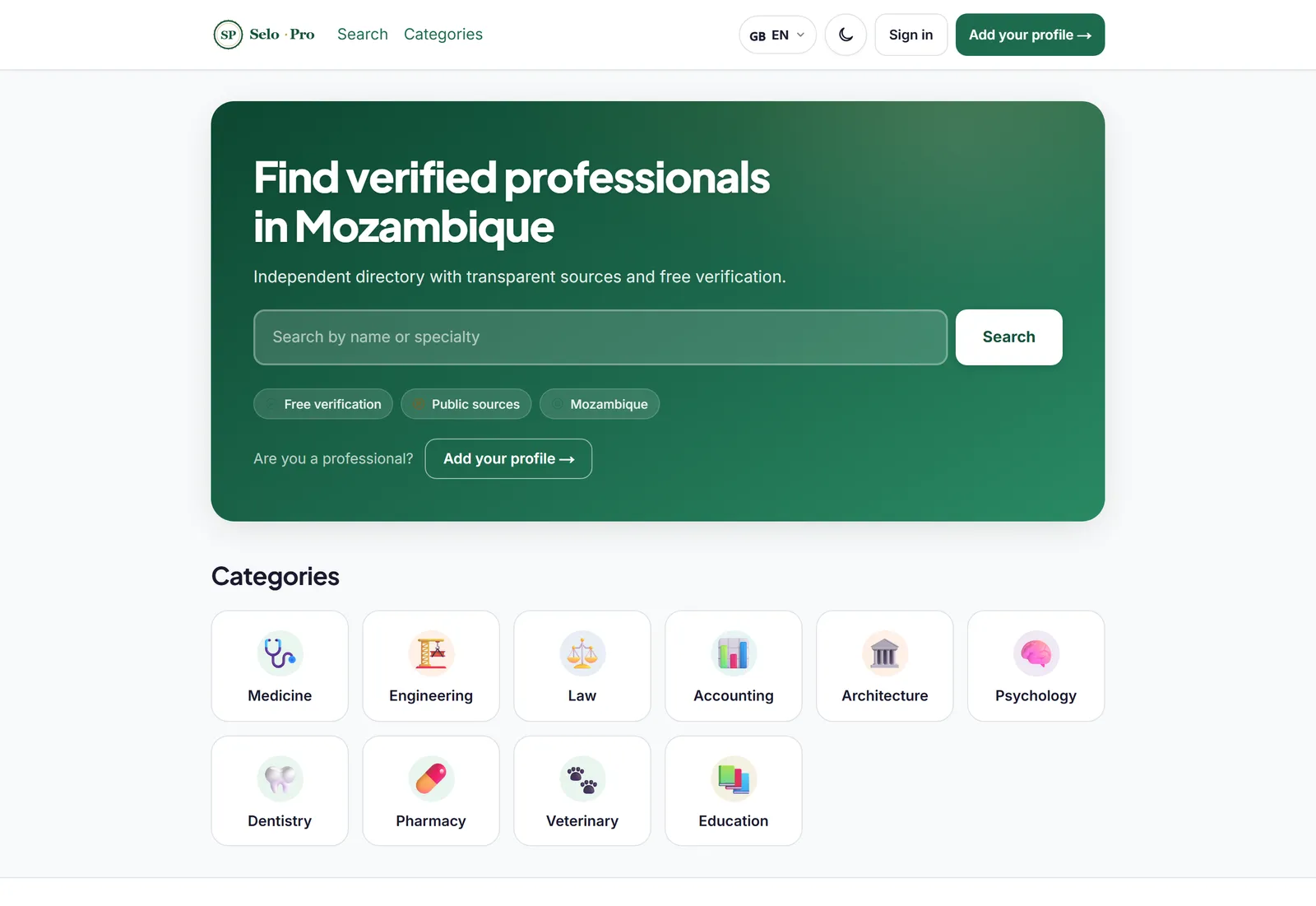
The home page has a single search box and a grid of categories. You can search by name or specialty, or pick a profession. No account needed.
2. Browse a category
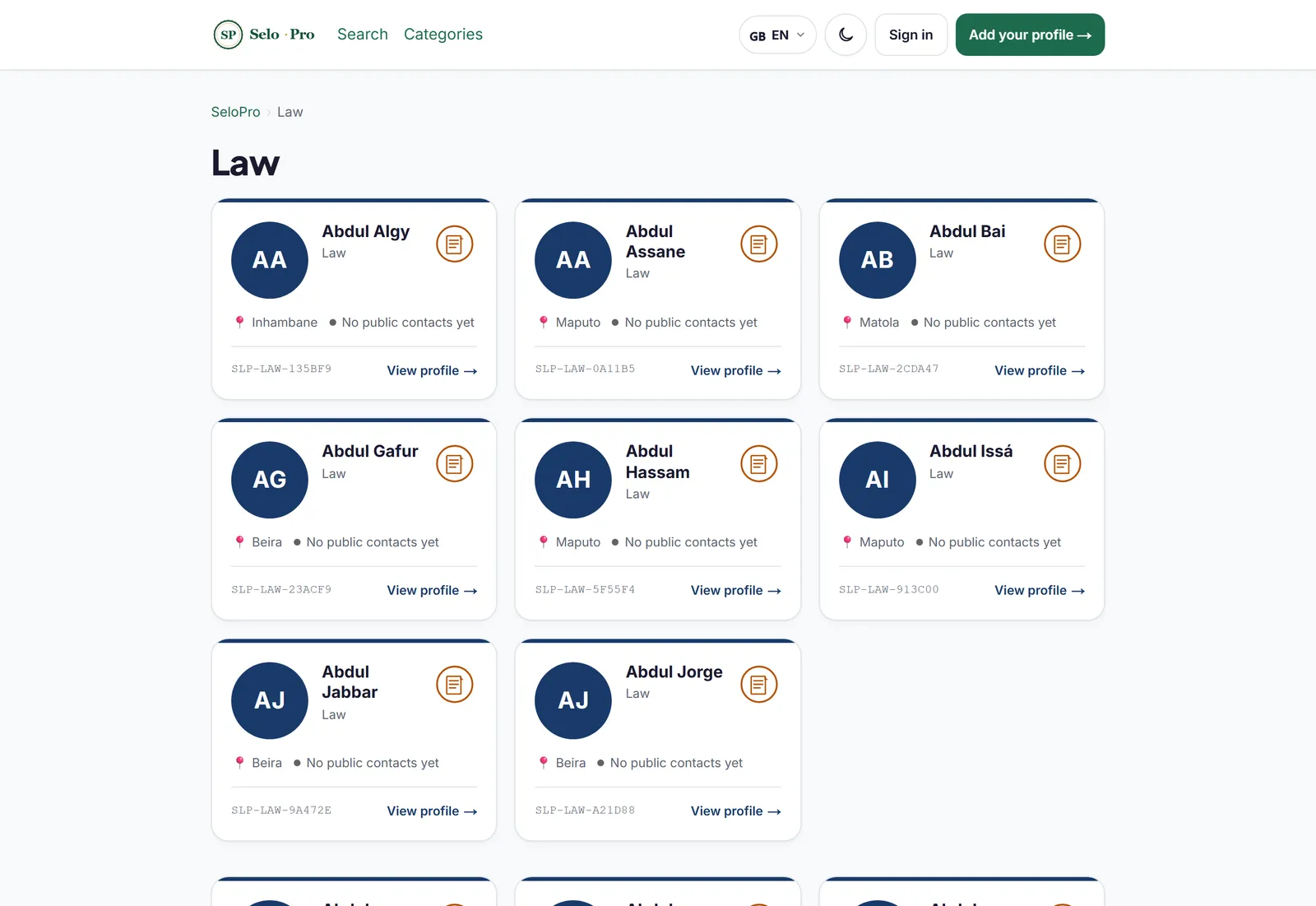
Choosing a category — for example, Law — shows the list of professionals in that field. Each card shows the name, profession, location and the trust seal.
3. Search by name
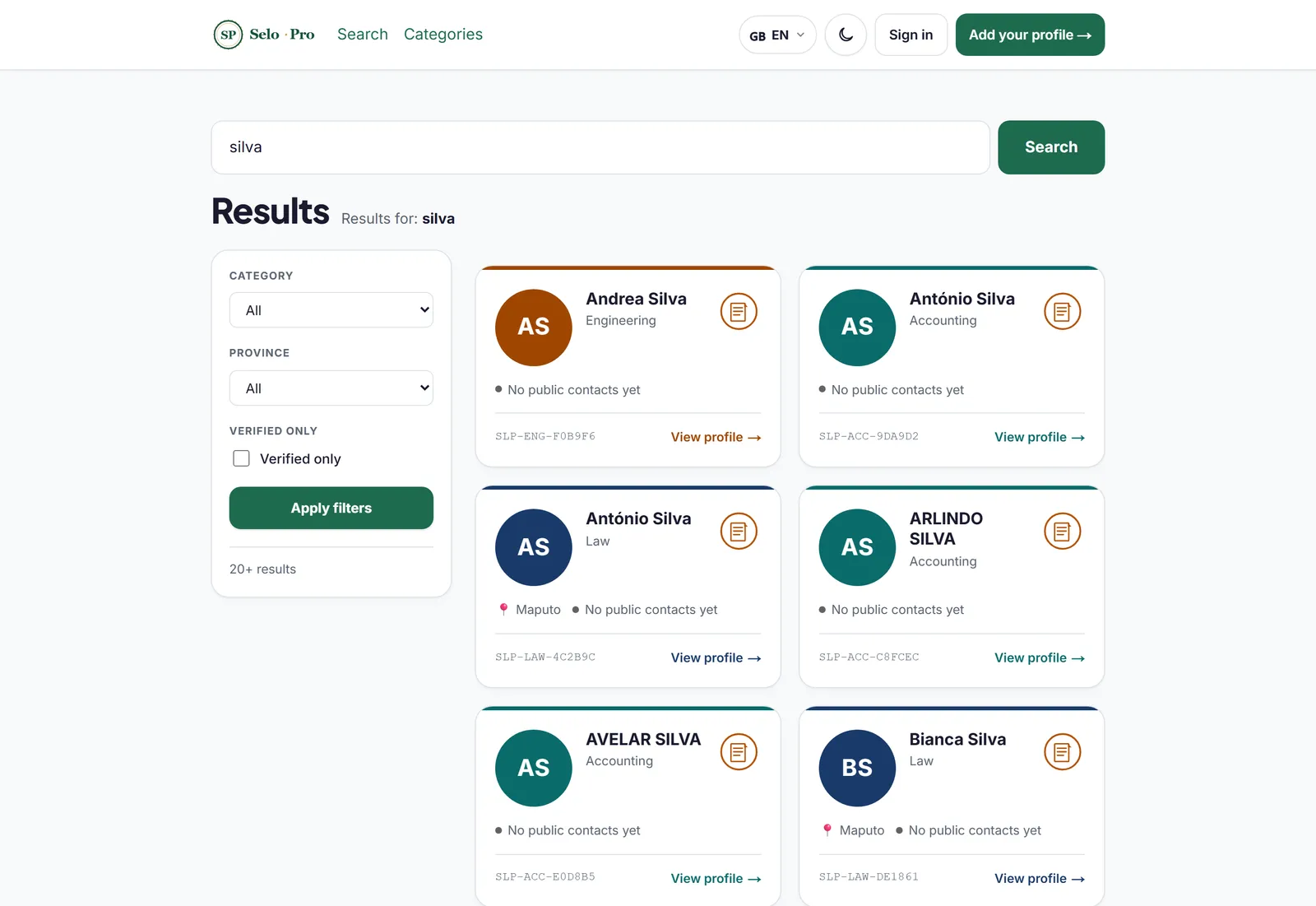
Alternatively, type a name into the search. Results appear as clean cards, each with its public id (for example, SLP-LAW-135BF9) and a “View profile” link.
4. Open a profile and read the seal
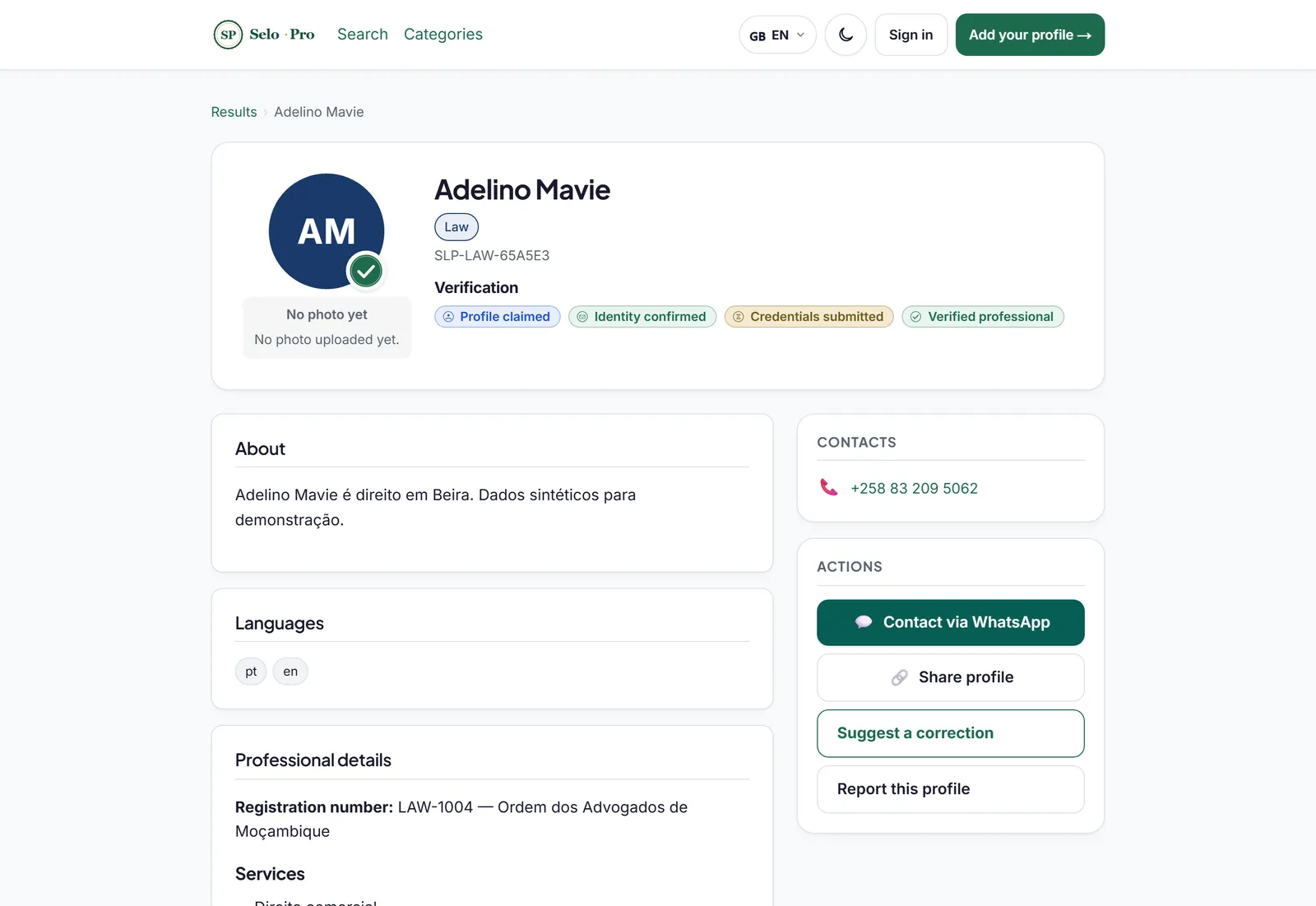
The profile shows the professional’s identity, the verification seal and content sections. The seal colour signals trust — amber (public source), blue (claimed) or green (verified). From here you can also make contact, suggest a correction or report the profile.
5. Add or claim your profile
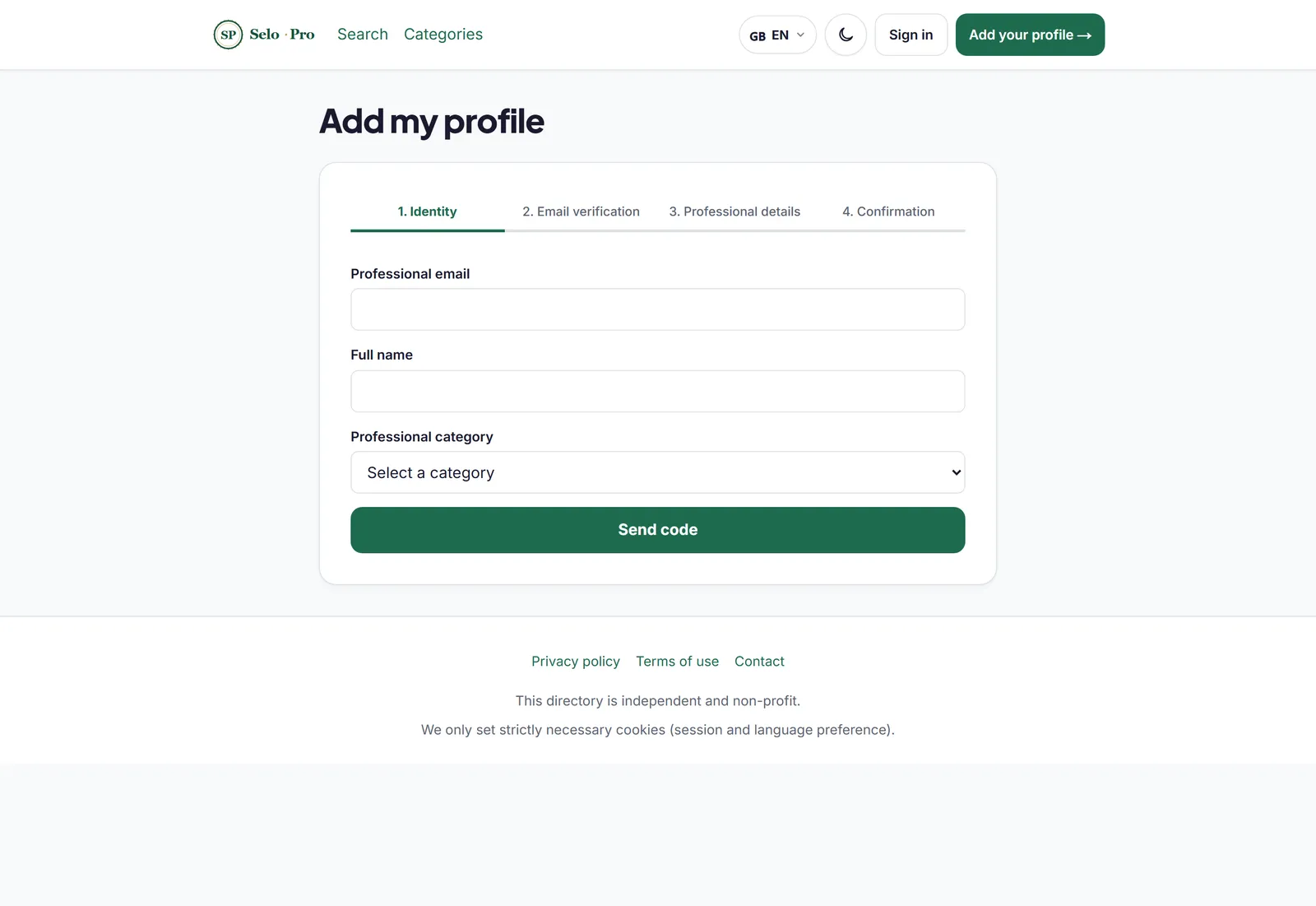
Are you a professional? Click “Add your profile” and follow the 4-step wizard. Step 2 confirms your email with a one-time code. If a profile of you already exists, you can instead claim it from the profile page itself.
Have other questions? See the FAQ